How Long Does It Take to Process a CA Renewal?
Most agents believe their license status is in jeopardy the second their printed expiration date passes. In reality, California Business and Professions Code §10156.2 provides a vital safety net: if you submitted a complete renewal on time, you are legally authorized to continue operating, regardless of administrative backlogs.
The real challenge isn't the expiration date—it’s the transparency of the process. How long does the DRE actually take to move your file from "received" to "renewed"? By anchoring your expectations to the DRE’s official "date received" backlog, you can replace anxiety with a predictable timeline.
Here is how to track your status like a pro.
Quick Answer: The only “real” processing timeline is whatever date the DRE is currently working.
- The Backlog Rule: DRE publishes a rolling backlog (“Currently processing applications received: ___”). That date—not a guess—is your best estimate of where you are in line. Mailed in renewals are processed in date received order - this is why renewing through eLicensing is so much more reliable and easier.
- The Safety Rule: If you renew on time and all renewal requirements are properly submitted, Business and Professions Code §10156.2 allows continued operations under the existing license after expiration unless notified otherwise by the DRE. Keep your eLicensing Transaction ID/receipt as your proof.
- eLicensing vs. Paper: Paper renewals move much slower because they must be opened and keyed manually. DRE recommends eLicensing for faster service, though there is no true "expedited" lane.
Pro Tip: Search “DRE current processing timeframes renewals” to find the official page. If the DRE is processing dates before yours, you’re still in the queue.
For a comprehensive look at the entire cycle, see our California Real Estate License Renewal Guide.
The Fastest Way to Estimate Your Renewal Date
To get a realistic answer to "how long will this take," follow this two-step method:
- Find your submission date: Look at your eLicensing receipt or check your bank statement to see when your fee was processed (DRE notes this as a primary confirmation of receipt).
- Compare to the Backlog: Check the DRE’s "Current Processing Timeframes" page. Use the backlog date as your best directional estimate and re-check it every few days. This is less relevant if you submit online through eLicensing.
Many agents confuse submission with approval. While eLicensing is faster, your Public License Lookup won't update until the system verifies your Continuing Education (CE). This is why we recommend checking the Checklist for Renewing a California Real Estate License before you start.
What Affects DRE Renewal Processing Time?
- Clean Submission vs. Deficiency Notice: A "clean" app goes through faster. A "deficient" app (missing info or wrong CE numbers) gets kicked to a manual reviewer.
- CE Completion Timing: You may use eLicensing or submit your renewal application 90 days prior to your license expiration date. If you wait until the last minute, you lose your buffer for system syncs.
- Mismatched Personal Info: Using a nickname on your CE certificate that doesn't match your DRE record can trigger a manual review delay.
- Payment Issues: Check the cost to renew a CA real estate license to ensure your fees are exact. Incorrect fees on paper applications will stop the process entirely.
The Renewal Timeline: Managing Expectations
| Scenario |
What you should expect |
Action Item |
| Clean eLicensing renewal |
After your broker certifies your application, your license should show renewed online quickly. |
Save Transaction ID + receipt. Check Lookup every 2–3 days. |
| CE reporting mismatch |
Renewal may stall until course info is recognized/verified. |
Re-check eight digit course numbers and confirm CE requirements are satisfied. |
| Deficiency Notice |
Longer + unpredictable until the error is corrected. |
Respond immediately; delays are fixable but can stop your ability to work. |
| Paper renewal |
Not recommended as is typically slower due to mail + manual handling. |
Avoid if timing is tight; eLicensing is recommended for faster service. |
Visualizing the Flow:
- Step 1: Submit via eLicensing 60–90 days early.
- Step 2: Save your Transaction ID (this is your legal "Safety Rule" proof).
- Step 3: System cross-references CE numbers.
- Step 4: Public License Lookup updates after the renewal is processed.
What to Do If Processing is Taking Too Long
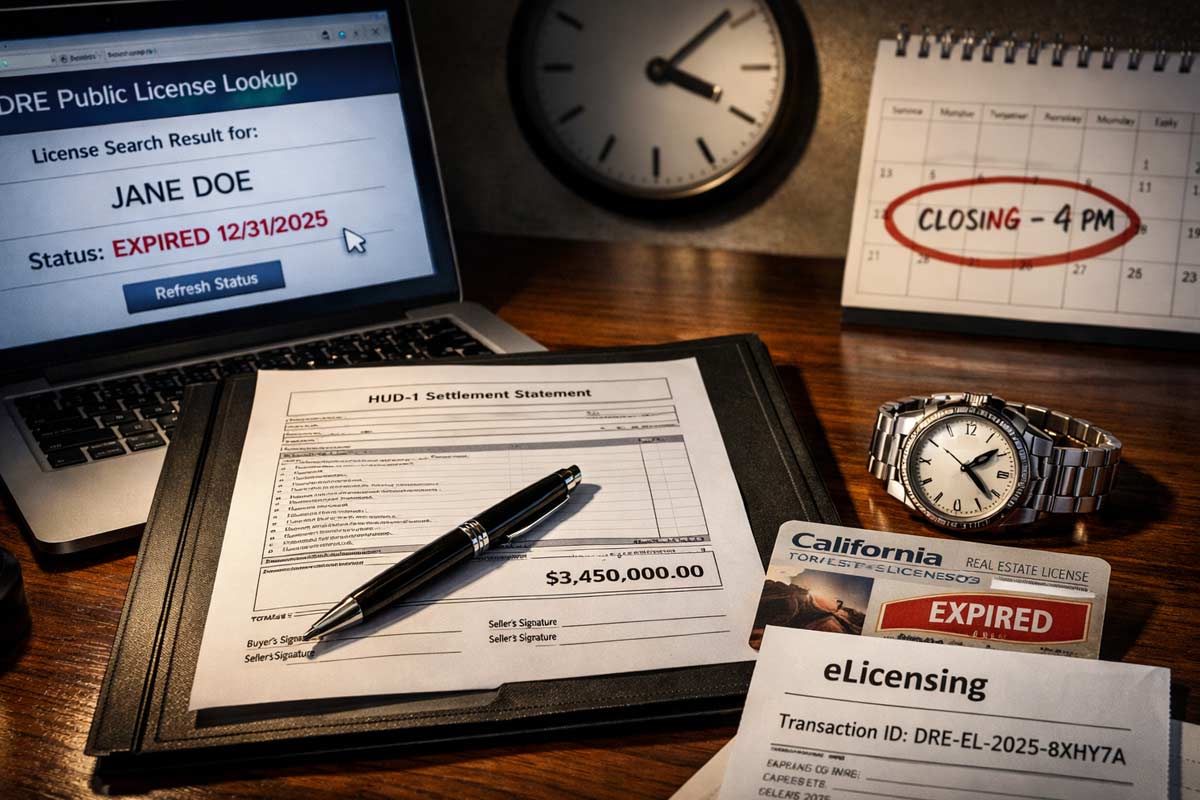
- IF you submitted on time and have a receipt: B&P Code §10156.2 protects you as long as all requirements were properly submitted. You may continue in business without a renewed license until you are notified of a deficiency.
- IF you are within 1 week of expiration and the status hasn't changed: Re-verify your CE certificates. Ensure the course numbers you entered into eLicensing are 100% accurate.
- IF you receive a "Deficiency Notice": Respond immediately. You may be instructed to cease operations if the renewal is deficient.
- IF you made a mistake on the form: Review our list of common renewal mistakes agents make to see if you need to contact the DRE with a correction.
If you are unsure how to navigate the portal, follow our guide on how to submit your CA license renewal application.
The “Delay Prevention” Checklist
- Finish CE 30+ days before your expiration.
- Use eLicensing (DRE recommends it for faster service—there’s no true ‘expedite’ lane).
- Submit within the 90-day window.
- Confirm your CE requirements are satisfied for your specific cycle.
- Save your Transaction ID and check your bank statement for fee processing.
- Double-check name formatting (e.g., "Jon" vs "Jonathan").
Renewal timing becomes predictable when you follow the full system. By submitting early and monitoring the DRE backlog, you protect your "Active" status and your commissions.
Ready to get started?
Visit our California Real Estate License Renewal Guide to map out your 90-day plan.
FAQ
- Can I still work while my renewal is "Pending"?
Yes, per B&P Code §10156.2, if you renewed on time and submitted all requirements, you can continue operating unless notified otherwise by the DRE.
- How do I know the DRE received my application?
Check for an eLicensing Transaction ID or verify that the fee has been processed on your bank/credit card statement.
- What is the current DRE backlog?
As of January 5, 2026, the DRE is processing salesperson renewals (on time) received on November 26, 2025.
- How long do paper renewals take?
Paper applications are manually processed and typically take several weeks longer than eLicensing submissions.
- What happens if I receive a deficiency notice?
You must correct the error immediately. These notices take effect five days after mailing, and you may be instructed to cease operations until corrected.
Kartik Subramaniam
Founder, Adhi Schools
Kartik Subramaniam is the Founder and CEO of ADHI Real Estate Schools, a leader in real estate education
throughout California. Holding a degree from Cal Poly University, Subramaniam brings a wealth of experience in
real estate sales, property management, and investment transactions. He is the author of nine books on real
estate and countless real estate articles. With a track record of successfully completing hundreds of real
estate transactions, he has equipped countless professionals to thrive in the industry.