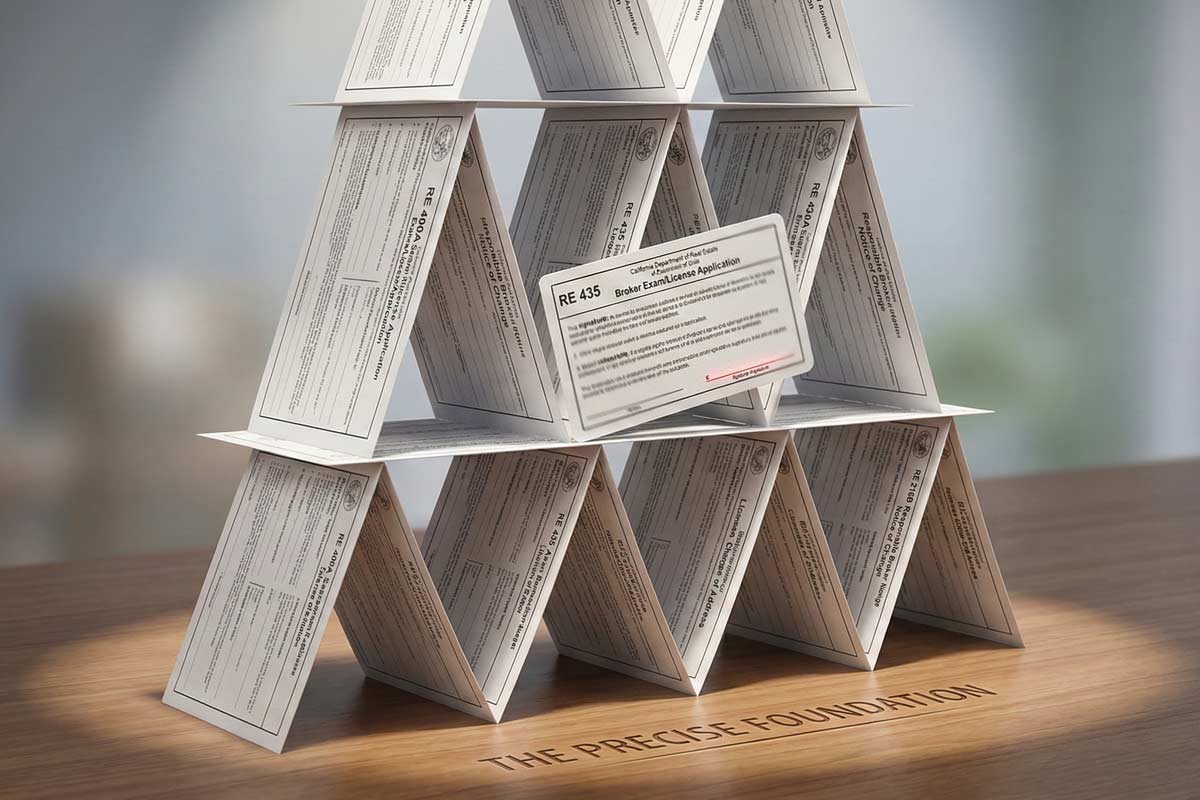
You’ve spent weeks mastering the principles of California real estate. You’re ready to pass the real estate exam and start your career. But for some, the final hurdle isn't the exam itself; it’s the paperwork.
At ADHI Schools, we’ve seen it happen: a qualified candidate is sidelined for over a month because of a missing middle initial or a forgotten signature. This is known as the "delay cycle." You submit your form to the California Department of Real Estate (DRE), wait for processing, receive a "deficiency notice," and then move to the back of the line after resubmitting.
I have spent over 20 years guiding thousands of students through the DRE bureaucracy. In my experience, the DRE doesn't "fail" applications—they pause files that can’t be verified. Your goal is a "reviewable file": one that is clean, consistent, and complete on day one.
What This Guide Covers:
- The "80/20 Truth" of why applications stall.
- 12 specific mistakes that trigger DRE deficiency notices.
- The "Clean Application Checklist" for eLicensing and mail.
- Operational steps to take if you’ve already submitted an error.
Before you hit submit, ensure you are following the California Real Estate License Guide to understand where this paperwork fits into your larger journey.
The 80/20 Truth: Why DRE Forms Get Rejected
About 80% of application delays are caused by only 20% of possible errors. Most rejections aren't due to "hard problems" like criminal history; they are "soft errors"—clerical mismatches and omissions.
DRE reviewers are auditors. They compare your application against your identity details and eligibility documents. If a single data point—like the spelling of your last name on the certificates of completion—doesn't align across your ID and your transcripts, the reviewer cannot legally proceed.
Quick Reference: Mistake vs. Fix
| Common Mistake |
Why It Stalls |
The Fast Fix |
| Name Mismatch |
Can't verify identity |
Match ID exactly (incl. hyphens/initials) |
| Missing Signature |
Not a valid legal doc |
Sign and date every required line |
| Wrong Form Version |
Missing disclosures |
Download fresh PDFs from DRE |
| Missing Education Docs |
Can't confirm eligibility |
Include transcripts or certificates |
| Wrong Fee/Payment |
File won't open |
Verify fee + include RE 909 (if mailing card info) |
| Inconsistent Contact |
Missed correspondence |
Use one email/address everywhere |
The Top 12 Mistakes Applicants Make
1. The Name Mismatch
- The Mistake: Using "Jon Doe" on the form while your ID says "Jonathan A. Doe."
- Why It Triggers a Delay: The DRE cannot verify that the person who took the courses is the same person applying for the license.
- How to Fix It: Your name on every DRE form must match your government-issued ID exactly.
- Pro Tip from Kartik: Treat your name like a serial number. If it’s on your ID, it belongs on the form. No nicknames and watch out for suffixes!
2. Missing Signatures or Dates
- The Mistake: Filling out a multi-page form but missing a signature line on a secondary page.
- Why It Triggers a Delay: An unsigned form is not a valid application.
- How to Fix It: Review every page for the "Signature of Applicant" box.
- Real Scenario: A student once missed the signature on the credit card authorization page. The DRE couldn't process the payment, so they couldn't even open the file for review.
3. Using Outdated Form Versions
- The Mistake: Using a PDF saved from a random website years ago.
- Why It Triggers a Delay: The DRE updates forms periodically to include new statutory disclosures.
- How to Fix It: Always download fresh forms (RE 400A for exams, RE 435 for combined apps) or apply online (recommended). If you’re not sure which application type you’re submitting, use How to Apply for the California Real Estate Exam as your form-selection map.
4. Education Documentation Timing
- The Mistake: Applying before your education proof is ready or submitting unaccepted document types.
- Why It Triggers a Delay: The reviewer can’t confirm you’ve met the education prerequisites, so your file pauses for a deficiency response.
- How to Fix It: Submit only when your required education proof is ready—official transcripts or school-issued completion documentation, based on what the DRE requires for your specific application type.
5. Incorrect Fees or Payment Methods
- The Mistake: Sending a personal check with insufficient funds or entering the wrong fee amount.
- Why It Triggers a Delay: No payment = no processing.
- How to Fix It: If paying by card on a mailed packet, include the RE 909 Credit Card Payment authorization. DRE states the credit card info must be mailed with the appropriate forms.
6. Leaving Blanks / Inconsistent "N/A"
- The Mistake: Leaving a section blank because it "doesn't apply" to you.
- Why It Triggers a Delay: Reviewers don't know if the section is irrelevant or if you simply forgot it.
- How to Fix It: If a section doesn't apply, write "N/A." Never leave a field empty.
7. Illegible Handwriting
- The Mistake: Rushing through the form with a ballpoint pen.
- Why It Triggers a Delay: If they can't read your contact info, correspondence stalls.
- How to Fix It: Use a PDF filler to type the form, then print and sign. If you must handwrite, use black ink and print in all caps.
8. Missing "Sponsor" Info (For License Activation)
- The Mistake: Applying for a salesperson license without including the broker’s information.
- Why It Triggers a Delay: You can apply for "Exam Only," but the How to Apply for Your California Real Estate License After Passing the Exam process requires a broker's signature for an active license.
- How to Fix It: Ensure your employing broker’s license number is active and their signature is fresh if you are seeking an active license immediately.
9. Not Keeping Copies
- The Mistake: Mailing the only copy of your application.
- Why It Triggers a Delay: If the mail is lost, you have no proof of what you sent.
- How to Fix It: Scan a copy of every single page you send to the DRE before mailing it. But remember, we recommend applying online!
10. Applying Before Eligibility
- The Mistake: Submitting the application before you finish your final course.
- Why It Triggers a Delay: All 135 hours of education must be finished prior to application.
- How to Fix It: Check your course completion dates against your application signature date.
11. Incomplete Disclosure Answers (Yes/No Questions)
- The Mistake: Skimming background/disciplinary questions and leaving one blank, or answering “Yes” without attaching the required explanation.
- Why It Triggers a Delay: Reviewers can’t move forward if a required disclosure is unanswered.
- How to Fix It: Treat every Yes/No question like a required field. If you answer “Yes,” attach a clean, organized explanation packet with clear dates and documentation.
- Pro Tip from Kartik: If a reviewer has to guess what happened, your file pauses. If they can verify it in one pass, your file moves.
12. Inconsistent Contact Details (Email/Address/Phone)
- The Mistake: Using an old email on the application but a different email in eLicensing.
- Why It Triggers a Delay: If the DRE details don’t match, correspondence stalls and you lose time without realizing it.
- How to Fix It: Pick one primary email + mailing address and use it everywhere.
- Real Scenario: An applicant missed their ZIP code—mail landed late, the deficiency response window tightened, and the timeline stretched unnecessarily.
Clean Application Checklist
Before you submit, verify these points:
- Name Match: Matches Government ID exactly (including middle names).
- Fees: Correct amount verified. If paying by credit card on a mailed packet, include RE 909. (For eLicensing, follow the portal flow).
- Signatures: All required boxes signed (wet signatures required for mail).
- Education Proof: Official transcripts or certificates for all 3 courses included.
- No Blanks: Every field is filled or marked "N/A."
- Submission Proof: If mailing, use a trackable method and keep the receipt. If eLicensing, save confirmation screenshots.
What To Do If You Already Submitted and Think You Messed Up
Don't panic. Sending a second "corrected" application before the first is processed can create conflicting files and further delays.
- Wait for the Deficiency: Wait for the DRE to issue a notice telling you exactly what is missing or incorrect.
- Respond in One Packet: When you receive a deficiency notice, respond with all requested items in a single, clean response packet.
- Check eLicensing: Use the DRE’s eLicensing system to check your status. If it says "Pending," they are still in the review cycle.
Timeline Reality: What a Mistake Costs You
Processing times vary, but deficiencies reliably add weeks because you are essentially restarting a review cycle. A single typo or a missing "N/A" can cost you months of earning potential while you wait for your file to be re-opened.
FAQ: Common DRE Form Questions
Q: Should I mail my application or use eLicensing?
A: If you can submit through eLicensing, that’s typically the fastest route because the DRE is set up to process online submissions efficiently. You can also apply by mail if you prefer a single physical packet workflow, but paper applications must be mailed (not faxed), and original signatures are required.
Q: What does “deficiency notice” actually mean?
A: It means the DRE reviewed your file and found something they can’t verify yet. Your application isn’t “failed”—it’s paused until you provide the missing/incorrect item in a clean response packet.
Q: Can I use white-out on my DRE forms?
A: It is highly discouraged. If you make a mistake, print a fresh page. White-out can look like an unauthorized alteration of a legal document.
Final Next Step
Precision now prevents frustration later. Use our California Real Estate License Guide to map your exact sequence—education → exam application → license application—so you don’t lose weeks to avoidable paperwork errors.