
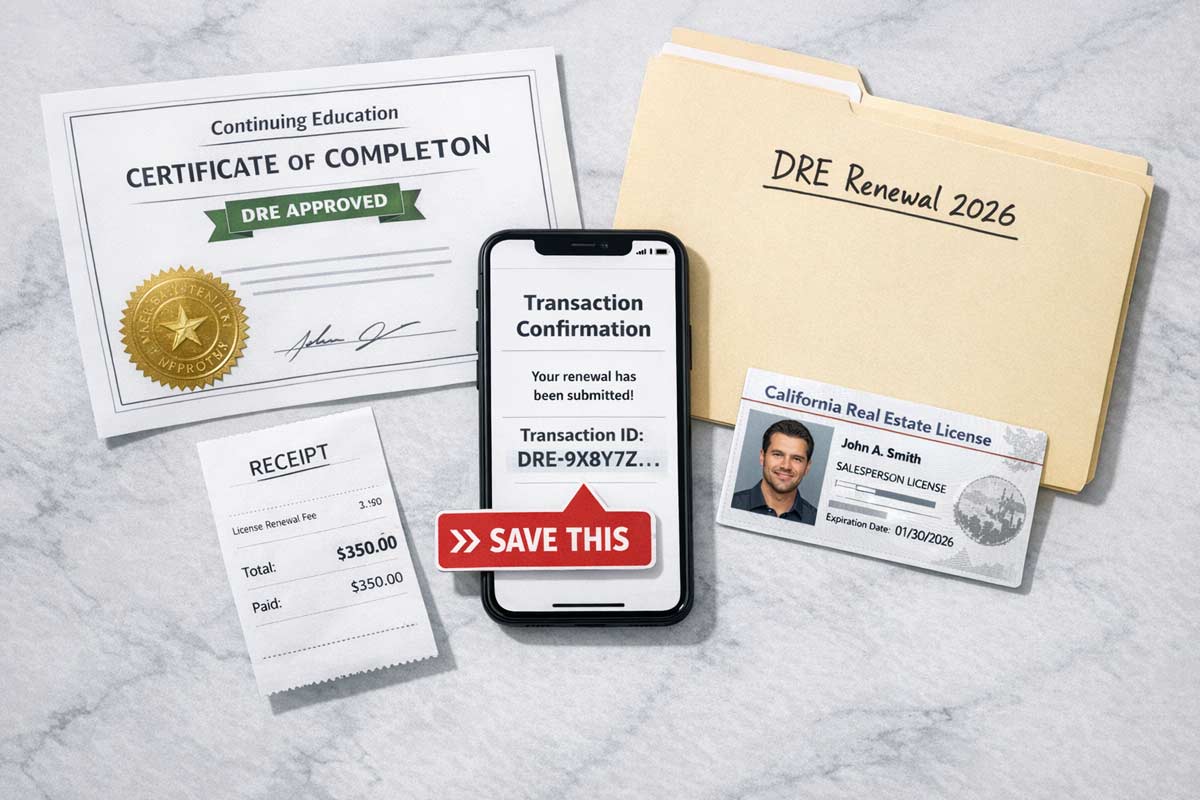
Renewing your California real estate license is a high-stakes administrative task. A single oversight—a mismatched name, an incomplete CE certificate, or a missed deadline—can trigger a deficiency notice or halt your ability to work legally. Your goal isn’t just to submit; it’s to achieve a clean, provable, and on-time renewal that avoids manual review and a potential late fee.
This checklist distills decades of experience into a direct, phase-by-step action plan. It is designed to steer you clear of the common data and documentation errors that cause renewal problems, helping to ensure that your submission is seamless from the moment you start your continuing education to the final confirmation.
Why it matters: Your name should match across elicensing and CE records closely enough to avoid a manual review (same first/last; consistent format).
Common mistake: An old mailing address means you’ll miss critical DRE deficiency notices in the event you get mailed a letter.
Proof to save: Screenshot of your current “Licensee Information” page.
Why it matters: Ensure your CE includes the required topic mix for your renewal cycle (mandated topics include agency, ethics, fair housing, implicit bias and others). Some licensees may qualify for a 70/30 exemption (age 70+ and 30 years in good standing) if applicable to you.
Common mistake: Taking a package that misses required topic coverage for your cycle.
Why it matters: Only courses with valid DRE approval/provider info count. Finishing early gives you a buffer for provider or portal issues.
Common mistake: Assuming a course is DRE-approved without verifying the current approval status and provider number at the time of your completion.
What to check: Before you enroll or start a course, verify it is currently approved using the DRE’s Approved Courses Lookup.
Why it matters: Know your on-time vs late fee and keep your payment method ready.
(On-time renewal fees: $350 salesperson / $450 broker; late renewal within 2 years: $525 salesperson / $675 broker.)
Common mistake: Using a debit/credit card that is near its limit, has expired, or has new billing information the bank’s fraud filter flags, causing the transaction to fail.
How to fix: 2-3 days before submitting: confirm it’s not expired, has sufficient available credit, and its billing address matches your bank’s record.
Why it matters: Accurate entry of CE details prevents delays. Use the DRE-approved course/provider 8-digit identifiers exactly as shown on your certificate—don’t guess, don’t retype from memory if you can copy/paste.
Common mistake: Inverting digits in course approval numbers.
Proof to save: Screenshot of the “Review Information” page before you click submit.
Refer to: How to Submit Your CA License Renewal Application
Why it matters: I’ve seen agents see a “spinning wheel” and close the tab. Without a Transaction ID, you have no proof of filing if the system crashes.
Common mistake: Closing the browser before the “Success” page loads.
Proof to save (all three): Transaction ID, PDF of the confirmation page, and the confirmation email.
Submitting with these issues often triggers a deficiency notice. Review Common Renewal Mistakes Agents Make before you hit submit.
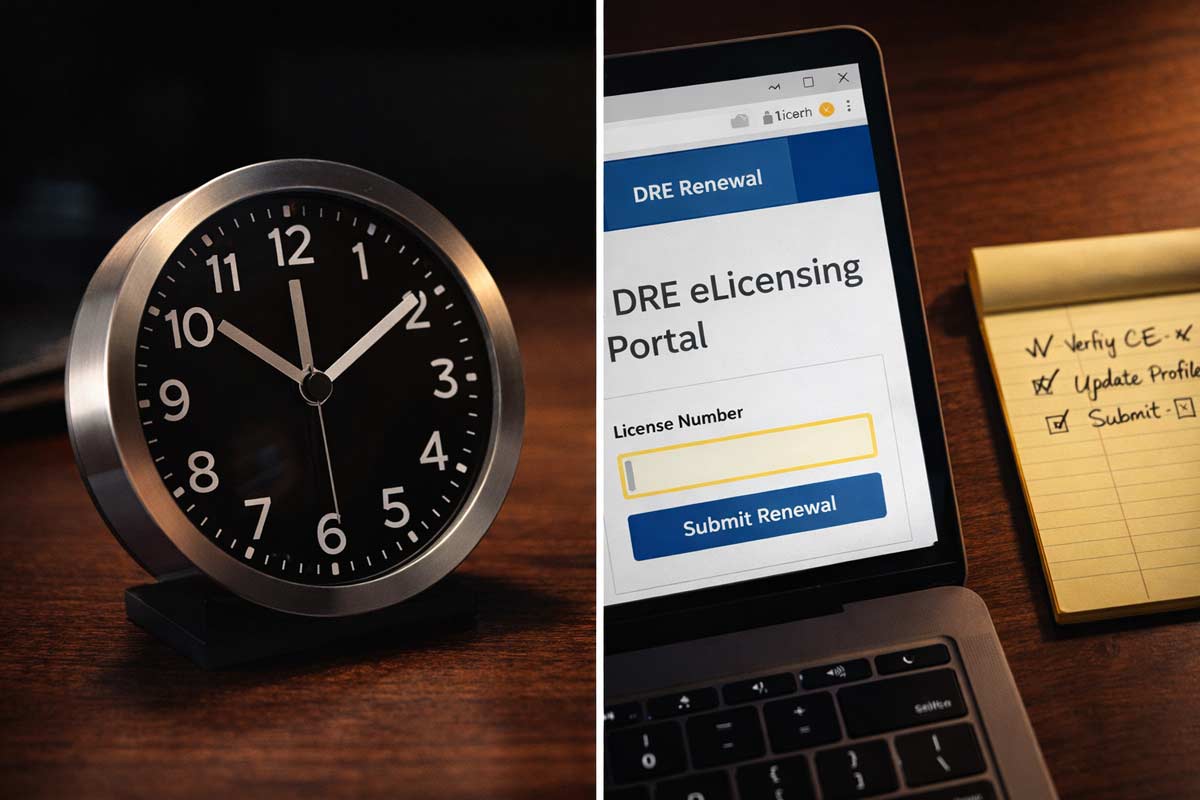
Why it matters: Check the Public License Lookup after 24–48 hours to confirm the record is moving the right direction. These time frames are important so you are aware how long it takes to process a California real estate license renewal.
Escalation Protocol: If it doesn’t update, compare against published DRE renewal processing timeframes; if you’re beyond published dates, contact the DRE with your Transaction ID ready.
Proof to save: PDF printout/screenshot of your updated license record once it updates.
Why it matters: When you get a deficiency notice, sloppy “resubmits” can create duplicate transactions and confusion.
Do this instead:
Confirm your facts before you do anything else
Check license expiration date
Confirm renewal window is open (90 days before expiration)
Verify name + address match across DRE & CE records
Goal: No profile mismatches → no manual review
Finish the right CE, early
Complete DRE-approved CE for your renewal cycle
Confirm required topics are included (Agency, Ethics, Fair Housing, Implicit Bias, etc.)
Download final CE certificates (with provider + course numbers)
Goal: CE finished 15–30 days early
Enter data once, carefully
Enter CE details into eLicensing (copy/paste — don’t retype)
Submit renewal application + fee
Wait for the success confirmation screen
Goal: One clean submission, no errors
Lock in your paper trail immediately
Save Transaction ID
Download confirmation PDF
Take a timestamped screenshot of success page
Save confirmation email
Goal: You can prove on-time filing instantly
Verify it actually moved
Check license status after 24–48 hours
Save screenshot once status updates
Respond carefully if a deficiency notice appears
Goal: Catch problems early, avoid downtime
How early can I renew?
You can renew via eLicensing starting 90 days before your expiration date.
Can I practice while my renewal is “Pending”?
If you renew on time, California law may allow continued operations after expiration unless the DRE notifies you of a deficiency. Practically: confirm your transaction is complete, watch for deficiency notices, and follow your broker’s compliance policy.
What if I miss the deadline?
Your license becomes expired and you cannot practice while expired. California generally allows late renewal for up to two years after expiration, but you’ll pay the late renewal fee (e.g., $525 vs $350 for salesperson; $675 vs $450 for broker).
Does my broker get notified?
Often, brokers monitor status through internal systems—but don’t rely on it. You are responsible for your own status.
This checklist ensures you don’t miss a step. For the full deep dive on requirements, fee schedules, and legal updates, visit our California Real Estate License Renewal Guide.

Founder, Adhi Schools
Kartik Subramaniam is the Founder and CEO of ADHI Real Estate Schools, a leader in real estate education throughout California. Holding a degree from Cal Poly University, Subramaniam brings a wealth of experience in real estate sales, property management, and investment transactions. He is the author of nine books on real estate and countless real estate articles. With a track record of successfully completing hundreds of real estate transactions, he has equipped countless professionals to thrive in the industry.

"Hey guys,
I took the exam today and passed!!!!
It only took me one try which was one of my goals. I took the online
classes and follow your suggestions so I took the crash course,
used the crash course app a lot, took 7 mock tests and went
confident to present the exam. Thank you for the great job you are
doing, you guys are awesome!!!! May God continue to bless you!"
Willie V.