
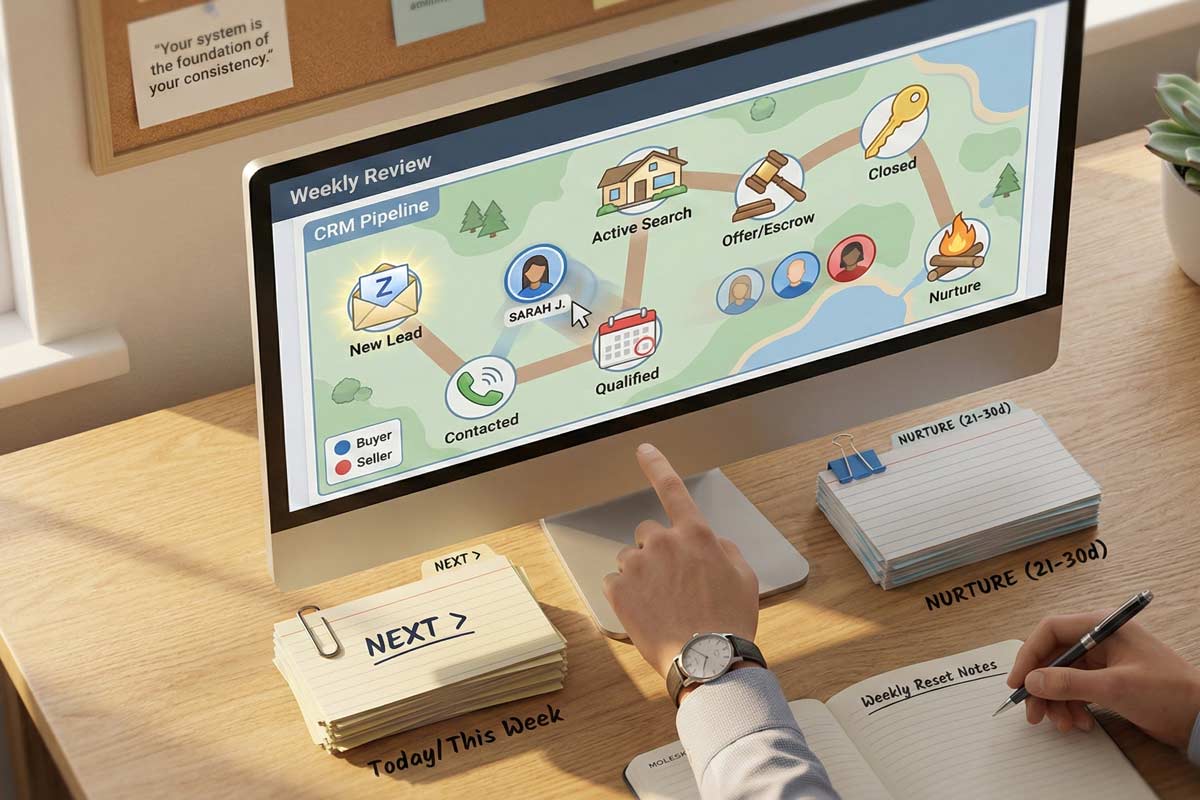
A successful real estate CRM is a daily follow-up machine, not a contact list.
To make it work, you need:
Let’s be honest: Most California real estate agents have a "CRM graveyard." It’s a software subscription you pay for every month, filled with names you haven't called in 90 days and "leads" from an open house three years ago that were never categorized.
I’ve spent over 20 years coaching and operating in the California real estate education space, and I see the same mistake everywhere. Agents try to build a "database" when they should be building a real estate lead follow-up system.
If your CRM isn’t telling you exactly who to contact by 9:00 AM today, it’s not a CRM—it’s a hobby. In a market where you’re fighting 101 freeway traffic and juggling multiple escrows, speed-to-lead is the only metric that matters. If you aren't contacting an inbound lead within minutes, you are often competing with 3–5 other agents. Your CRM is what allows you to win that race.
Don't spend weeks "researching" software. Pick a tool and follow this 30-minute sprint:
To build a real estate CRM that sticks, you need to strip away the "tech-bro" features most CRM for real estate agents are bloated with and focus on the core structure.
Stop trying to fill out 50 fields of data. You’ll burn out. Stick to these:
Don't create a "custom field" for every little detail. Use the "Notes" section for the story; use "Tags" for the category. Over-complicating fields is the fastest way to stop using the system.
Your pipeline stages real estate logic must be tight. If you don't know why someone is in a specific stage, the system breaks.
Your real estate CRM workflow is only as good as your persistence. Most agents stop after two attempts. Top operators go further.
Use this framework when a lead goes quiet:
If no response occurs after Touch 3, move them to the Nurture stage and set a Next Date for 21–30 days out.
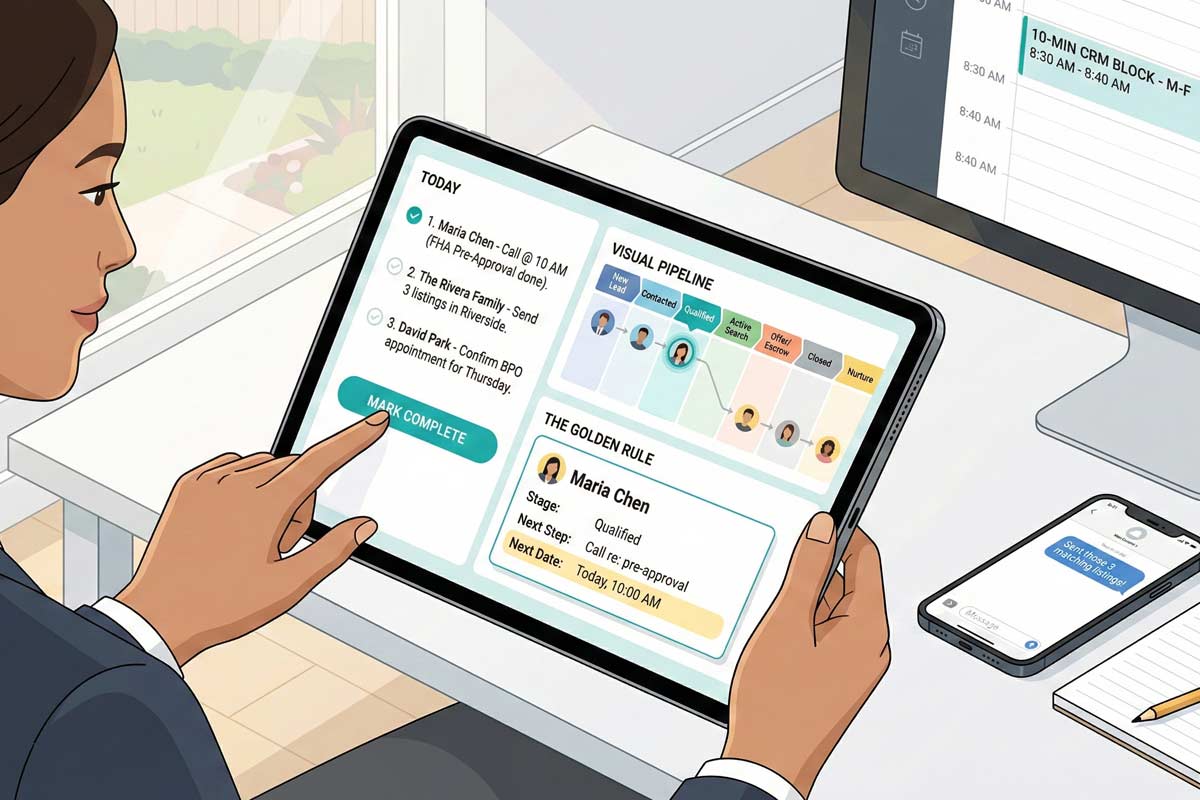
A CRM is only as good as your Daily Habits. To stay organized, stop looking at "All Contacts." Instead, use these three saved views:
Success requires a Time Management for California Real Estate Agents strategy that protects your "system time."
Automation should support you, not replace you.
A CRM that works is revenue insurance—but it only performs when it’s paired with daily execution, clear targets, and protected time. As you Set Goals as a New Real Estate Agent, remember that your system is the foundation of your consistency.
If you want the complete operator framework behind follow-up, pipeline control, and professional consistency, start here: Real Estate Agent Skills California.
1. What should I put in the ‘Notes’ vs. ‘Tags’?
Tags are for categories you want to filter (e.g., "Buyer," "Past Client"). Notes are for the "story" and specific details from your last conversation (e.g., "Daughter is moving to San Diego in August").
2. What’s the best follow-up schedule for Zillow or open house leads?
High intensity for the first 10 days (5–7 touches), then transition to a 21-day "Nurture" cycle. Speed is everything in the first 48 hours.
3. How do I use a CRM when I’m in escrow all week?
The CRM is what protects your next paycheck while you’re busy earning the current one. Treat your escrow tasks like lead tasks. Use the CRM to remind you of contingency removals, but don't let your "Today" view of new leads go uncleared. Spend 5 minutes on leads, then 55 minutes on your escrow.
4. How many stages should my real estate pipeline have?
Keep it between 5 and 8 stages. Any more and you will spend more time organizing the list than calling the people on it.

Founder, Adhi Schools
Kartik Subramaniam is the Founder and CEO of ADHI Real Estate Schools, a leader in real estate education throughout California. Holding a degree from Cal Poly University, Subramaniam brings a wealth of experience in real estate sales, property management, and investment transactions. He is the author of nine books on real estate and countless real estate articles. With a track record of successfully completing hundreds of real estate transactions, he has equipped countless professionals to thrive in the industry.

"Hey guys,
I took the exam today and passed!!!!
It only took me one try which was one of my goals. I took the online
classes and follow your suggestions so I took the crash course,
used the crash course app a lot, took 7 mock tests and went
confident to present the exam. Thank you for the great job you are
doing, you guys are awesome!!!! May God continue to bless you!"
Willie V.