
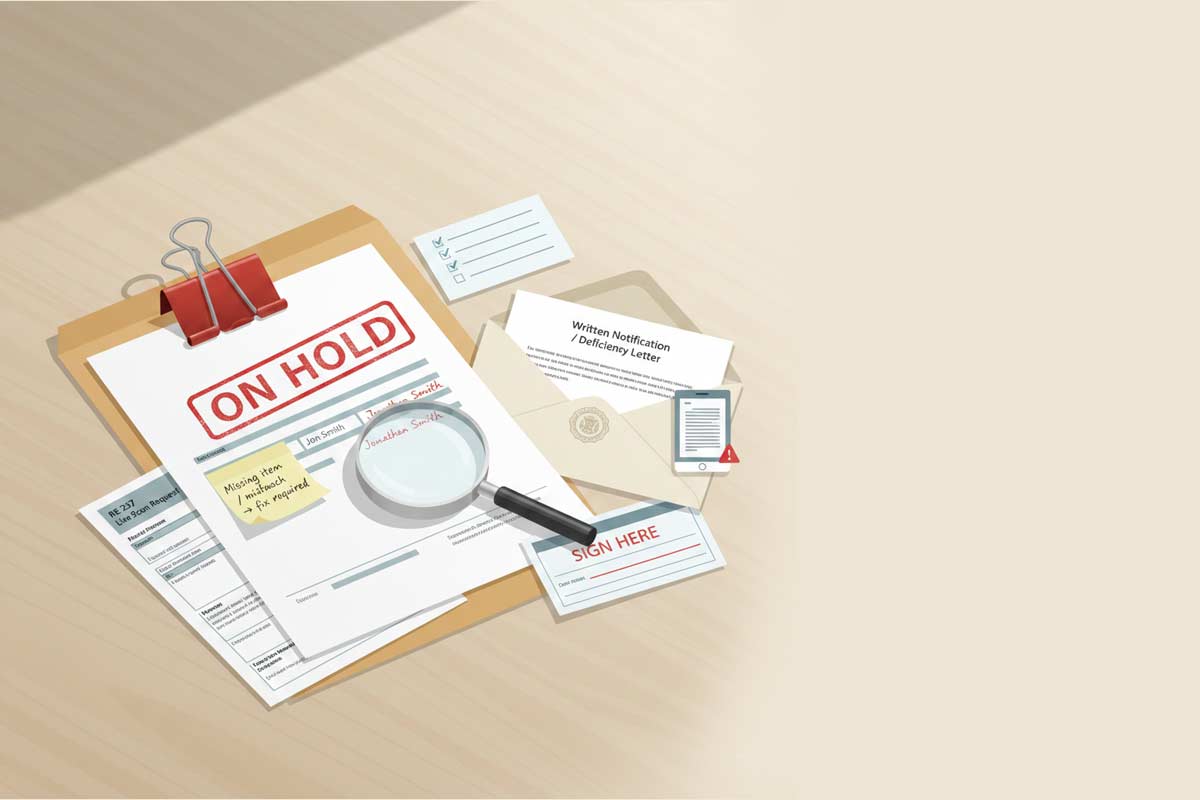
When the California Department of Real Estate finds a missing item, data mismatch, or unanswered question, your real estate exam or license application doesn’t “fail” — it simply stops moving forward until you provide what is requested. The DRE will send a deficiency letter if your application is incomplete or lacks required items when submitted.
You typically won’t be scheduled for your real estate exam until all requirements are met.
When it comes to applying for the real estate exam, you are not being graded on effort; you are being graded on completeness. Tiny issues — a name mismatch, unreadable certificates of completion, or incorrect fees — can turn into weeks of avoidable lag. The goal of this guide is to help you submit an application that avoids back‑and‑forth and keeps you on the most direct path to the real estate exam.
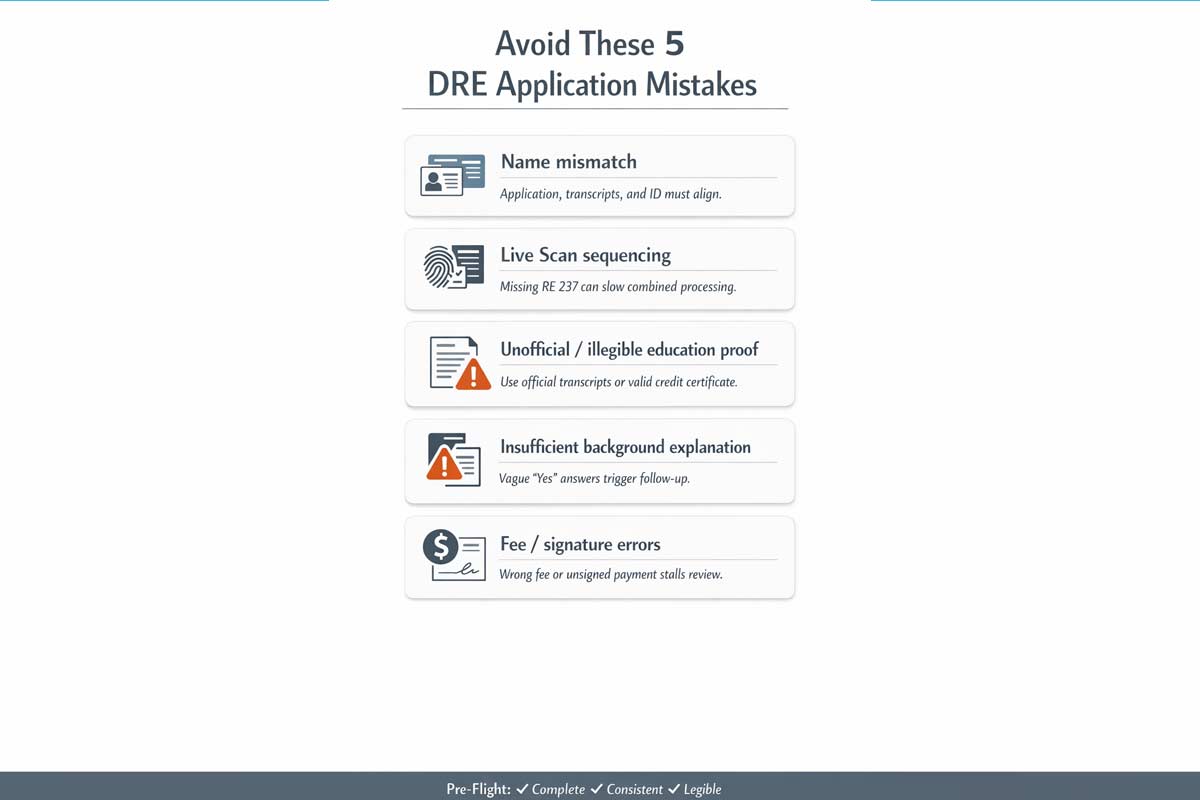
The Error: Using a nickname or shortened name on the application while your transcripts or ID show a different variation.
Why DRE Flags It: DRE instructions (RE 435A/RE 400A) indicate you must use your legal name. If your application says “Jon Smith” but your transcripts and ID say “Jonathan Smith,” the DRE may ask for clarification to verify your identity.
The Fix: Use one consistent name across all three pillars: your application (RE 400A or RE 435), your certificates of completion, and your ID. If your transcripts include a middle name, include that middle name on all forms.
Verification Step: Lay your ID and transcripts next to your application. If there is a discrepancy in spelling or suffixes (Jr., III), edit the application to match your supporting documents before submitting.
The Error: Choosing the Combined Exam + License path but failing to include the Live Scan paperwork.
Why DRE Flags It: DRE guidance for combined applications (RE 435) states that deficiencies — including a missing Live Scan Service Request (RE 237) — will delay processing. While fingerprints can be done later, a license cannot be issued until results are received.
The Fix: For the smoothest processing, include the completed RE 237 in your initial submission packet.
Verification Step: If submitting the RE 435 (Combined), ensure the RE 237 is the very next document in your physical or digital stack.
The Error: Submitting unofficial transcripts, portal screenshots, or blurry photos.
Why DRE Flags It: DRE requires official transcripts (or copies of official transcripts) or a credit certificate as evidence of completion. RE 435A explicitly states that unofficial transcripts are not accepted. Documents that are illegible or incomplete cannot be verified.
The Fix: Submit clear, high‑resolution scans of your official transcripts or credit certificates. Ensure the school name, student name, and completion dates are clearly visible.
Verification Step: Open your scanned PDF and zoom to 100%. If you cannot easily read the course titles or dates, rescan the document.
The Error: Checking “Yes” to a disciplinary or criminal question but providing a brief or vague statement.
Why DRE Flags It: DRE instructions state that “insufficient or no explanations” to background questions will delay processing. Failure to disclose accurately can result in substantial delays or the denial of your application.
The Fix: For every “Yes” answer, provide a detailed written explanation. Include the specific charge, the date, the location, and the final disposition. Include court documents; providing certified copies can help avoid follow‑up requests.
Verification Step: Read your explanation. If it doesn’t clearly provide the context of the incident and the final outcome, it is likely to result in a deficiency letter.
The Error: Submitting the wrong fee amount or an unsigned payment form.
Why DRE Flags It: Fees are non‑refundable and subject to change. An application cannot be processed until the correct fee is received.
The Fix: Verify the current fee schedule on the DRE website immediately before mailing. Ensure the Credit Card Payment (RE 909) or check is signed and matches the total for your selected application path.
Verification Step: Double‑check the total for “Exam Only” (RE 400A) vs. the combined application fee (RE 435). Ensure your payment matches the specific path you selected.
If the DRE sends written notification, it means they need additional information before they can move you forward. To resolve this:
At ADHI Schools, Kartik Subramaniam’s 20+ years of helping California candidates has shown that success begins with the paperwork. The DRE is a high‑volume agency; they prioritize files that are complete, consistent, and easy to verify. Treat your application with the same level of focus as your studies.
For a full breakdown of every requirement you need to satisfy before the DRE ever sees your name, read our California Real Estate License Guide.

Founder, Adhi Schools
Kartik Subramaniam is the Founder and CEO of ADHI Real Estate Schools, a leader in real estate education throughout California. Holding a degree from Cal Poly University, Subramaniam brings a wealth of experience in real estate sales, property management, and investment transactions. He is the author of nine books on real estate and countless real estate articles. With a track record of successfully completing hundreds of real estate transactions, he has equipped countless professionals to thrive in the industry.

"Hey guys,
I took the exam today and passed!!!!
It only took me one try which was one of my goals. I took the online
classes and follow your suggestions so I took the crash course,
used the crash course app a lot, took 7 mock tests and went
confident to present the exam. Thank you for the great job you are
doing, you guys are awesome!!!! May God continue to bless you!"
Willie V.